AI Contract Review — Understand Documents Before You Sign.
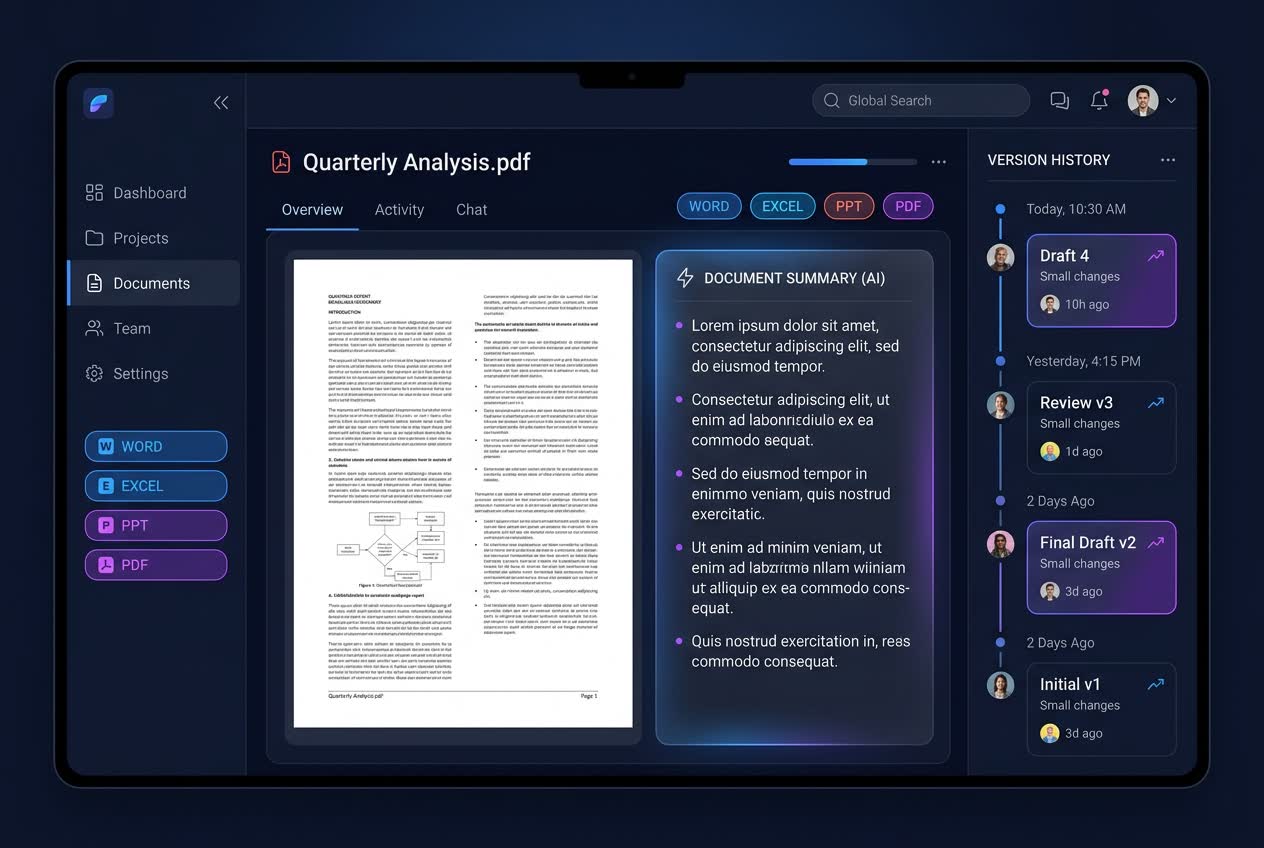
Upload a contract (PDF, Word or text) to Panzoe Legal and get a plain-language summary, the parties, key terms, obligations with owners and due dates, renewal and termination dates, and potential issues worth a closer look — all stored with the document so nothing is forgotten. AI assistance supports your review; it does not replace qualified legal advice.
Explore AI Contract ReviewSee pricing
Explore free · No card to sign up · Upgrade when you're ready · Current prices in your selected currency on the pricing page
Related: AI Document Generator · AI Deep Research · AI Writing Assistant · All Panzoe features · Pricing · Guide: compare two contract versions with AI
Contracts are signed quickly and read slowly — if at all.
- Payment terms, notice periods and auto-renewals are buried in pages of boilerplate.
- Deliverables and responsibilities are agreed, then forgotten until a dispute.
- Renewal dates pass unnoticed and you're locked in for another year.
- Supplier and customer agreements live in email attachments nobody can find.
Every clause explained. Every obligation tracked.
Everything below is live in Panzoe Business today. Analysis is grounded in the document text — Panzoe never invents clauses, dates or obligations.
- Contract document analysis — Upload PDF, DOCX or text. Panzoe extracts the text and produces a 3–5 sentence plain-language summary.
- Key terms & payment terms — Fees, payment schedules, late-payment clauses and pricing mechanisms listed as clear term/detail pairs.
- Termination provisions — Notice periods, termination rights and exit conditions surfaced so you know how — and when — you can leave.
- Responsibilities & deliverables — Obligations with the responsible party and due date, so each side's commitments are explicit.
- Renewal dates & deadlines — Key dates are stored with the document; renewals and obligations due in the next 30 days appear in your Business HQ insights.
- Potential issues — Points that may deserve attention — unusual terms, one-sided clauses, missing details — each with a short "why".
- Supplier & customer agreements — Contracts, NDAs, leases, SOWs and policies organised by kind, party and status in one legal register.
- Ask follow-up questions — Ask Panzoe about the document in plain English and draft a reply or amendment request with the AI Writing Assistant.
Where AI contract review earns its place.
- Small business owners — Understand supplier, lease and service agreements without a legal retainer for every document.
- Freelancers & consultants — Check client SOWs and NDAs for payment terms, IP and termination before accepting.
- Operations & admin teams — Keep every live agreement, renewal date and obligation in one register instead of inboxes.
- Founders — Prepare for the lawyer conversation with the right questions already written down.
A five-step contract review you can repeat for every agreement.
- 01 Upload — Add the contract to Panzoe Legal — PDF, Word or pasted text — and tag its kind and parties.
- 02 Analyse — Run the AI analysis to get the summary, key terms, obligations, dates and potential issues.
- 03 Check the flags — Read each potential issue and decide whether it needs negotiation or professional advice.
- 04 Record dates & owners — Confirm renewal, expiry and obligation dates so they surface in your business briefing.
- 05 Act — Draft questions or amendment requests, research unfamiliar terms, and keep the signed version with its summary.
Not a one-off summariser — a contract register that briefs you.
- Grounded, not generative — Every term, date and obligation comes from the document text; nothing is invented.
- Dates that come back to you — Renewals and obligations due soon appear in Business HQ and your executive briefing.
- Connected to the rest of Panzoe — Research unfamiliar clauses, draft responses and generate documents from the same workspace.
- Honest about its limits — Panzoe Legal supports understanding and organisation. For legal advice, consult a qualified professional.
Questions, answered.
- How does AI contract review work in Panzoe? You upload the contract to Panzoe Legal. Panzoe extracts the text and returns a plain-language summary, parties, key terms, obligations with owners and due dates, key dates and potential issues — stored with the document.
- Which file types can I upload? PDF, Word (DOCX) and plain text. Scanned PDFs need selectable text.
- Does it tell me whether to sign? No. It explains what the document says and flags points worth attention. Decisions and legal advice remain with you and your legal adviser.
- Can it track renewal dates and deadlines? Yes. Renewal and expiry dates and obligation due dates are saved with each contract, and those falling within 30 days are surfaced in your Business HQ insights.
- Is my contract data confidential? Documents are stored in your organisation's workspace, encrypted in transit, not sold and not used to train models. You control who in your team can access them.
- Is this a replacement for a lawyer? No. Panzoe Legal supports your understanding and organisation. For legal advice, consult a qualified professional.