Create documents with AI. Understand the ones you have.
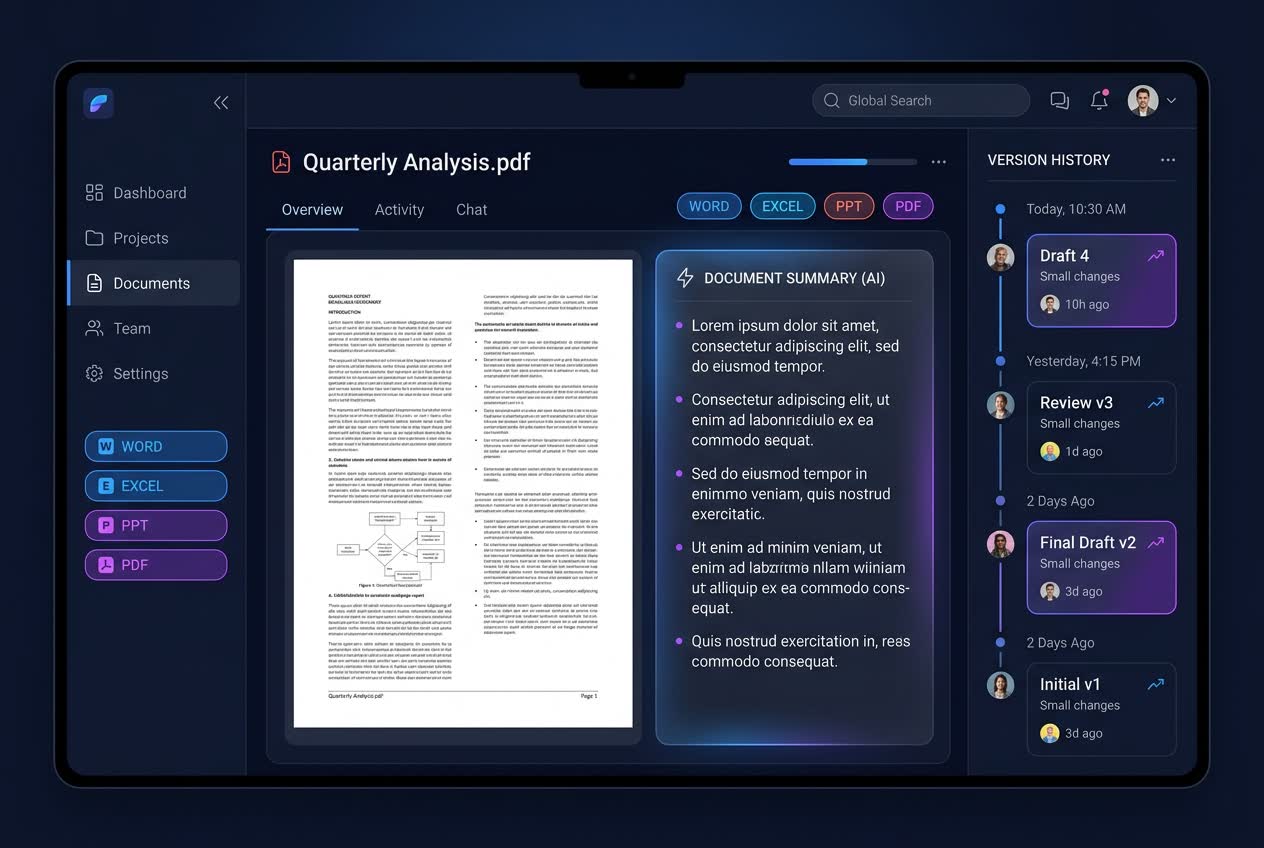
Describe the document you need — a proposal, a budget spreadsheet, a status deck — and Document AI builds a real, downloadable file. Upload any PDF, Word, Excel, PowerPoint, CSV or text file to summarise it, ask questions, extract actions and figures, proofread, or improve it as a new version. The Spreadsheet Doctor finds formula errors before your client does.
Create a document freeSee pricing
Explore free · No card to sign up · Upgrade when you're ready · Current prices in your selected currency on the pricing page
Related: AI Writing Assistant · AI Deep Research · AI Text Humanizer · AI Image & Video Generator · Panzoe Business · Document AI in the catalogue · AI Contract Review · Guide: how to compare two documents with AI
Blank templates, 60-page PDFs and a spreadsheet nobody trusts.
- Chatbots give you text, not a formatted file you can send.
- Reading a long contract or report for the three facts you need takes an afternoon.
- Improving a document in AI means pasting it out and losing the original.
- One broken formula and the whole budget is wrong — and nobody notices until later.
Generate, upload, ask, improve, export.
Every capability below is live in Panzoe Document AI today.
- AI document generator — Describe what you need and get a real DOCX, XLSX, PPTX, PDF or CSV — from scratch, from a template or from an existing document.
- Templates — Business proposal, project status report, professional letter, budget spreadsheet, meeting report, risk register and more.
- Upload & ask — Drop in PDF, Word, Excel, PowerPoint, CSV or text. Ask questions and get answers grounded in the file.
- Summarise & extract — Key points, figures, action items and risks pulled out in seconds.
- Improve as a new version — Proofread, restructure or rewrite — every edit becomes a new version; the original is kept.
- Spreadsheet Doctor — Finds formula errors, broken references and inconsistencies with suggested fixes.
- Connected files — Work with documents from Google Drive, OneDrive or Dropbox once connected, and let your AI Brain use what matters.
- Hand-offs — Turn a Deep Research report or a Writing draft into a formatted file; read any document aloud with Voice Studio.
Documents for professionals, teams and everyday life.
- Small businesses — Proposals, quotes, SOPs and client reports as finished files.
- Finance & operations — Budgets and trackers generated to spec — then audited by the Spreadsheet Doctor.
- Teams — Decks and status reports from the week's notes; contracts summarised before the meeting.
- Students & households — Study notes from PDFs, letters, forms and family admin — created or understood in minutes.
Real files, real versions, real context.
- Downloadable output — Word, Excel, PowerPoint, PDF and CSV — not a wall of text.
- Non-destructive — Improvements are versions; you can always go back.
- Reads what you upload — Answers are grounded in your document, with the relevant passages.
- Part of the platform — Research in, documents out, voice-over optional — one AI Brain across everything.
Questions, answered.
- Which file types can the AI document generator create? Word (DOCX), Excel (XLSX), PowerPoint (PPTX), PDF and CSV — generated from your description, a template or an existing document, and downloadable immediately.
- Can I upload a PDF and ask questions about it? Yes. Upload PDF, Word, Excel, PowerPoint, CSV or text files; Panzoe reads them and answers questions, summarises and extracts key facts and action items.
- Does it edit my original file? No — every improvement is saved as a new version alongside the original, so nothing is lost.
- What is the Spreadsheet Doctor? An Excel audit that finds formula errors, broken references and inconsistencies and proposes fixes.
- Is it free? You can explore Panzoe free with no card; document generation and analysis use your plan's AI actions once you upgrade.