The AI image & video generator that lives next to your work.
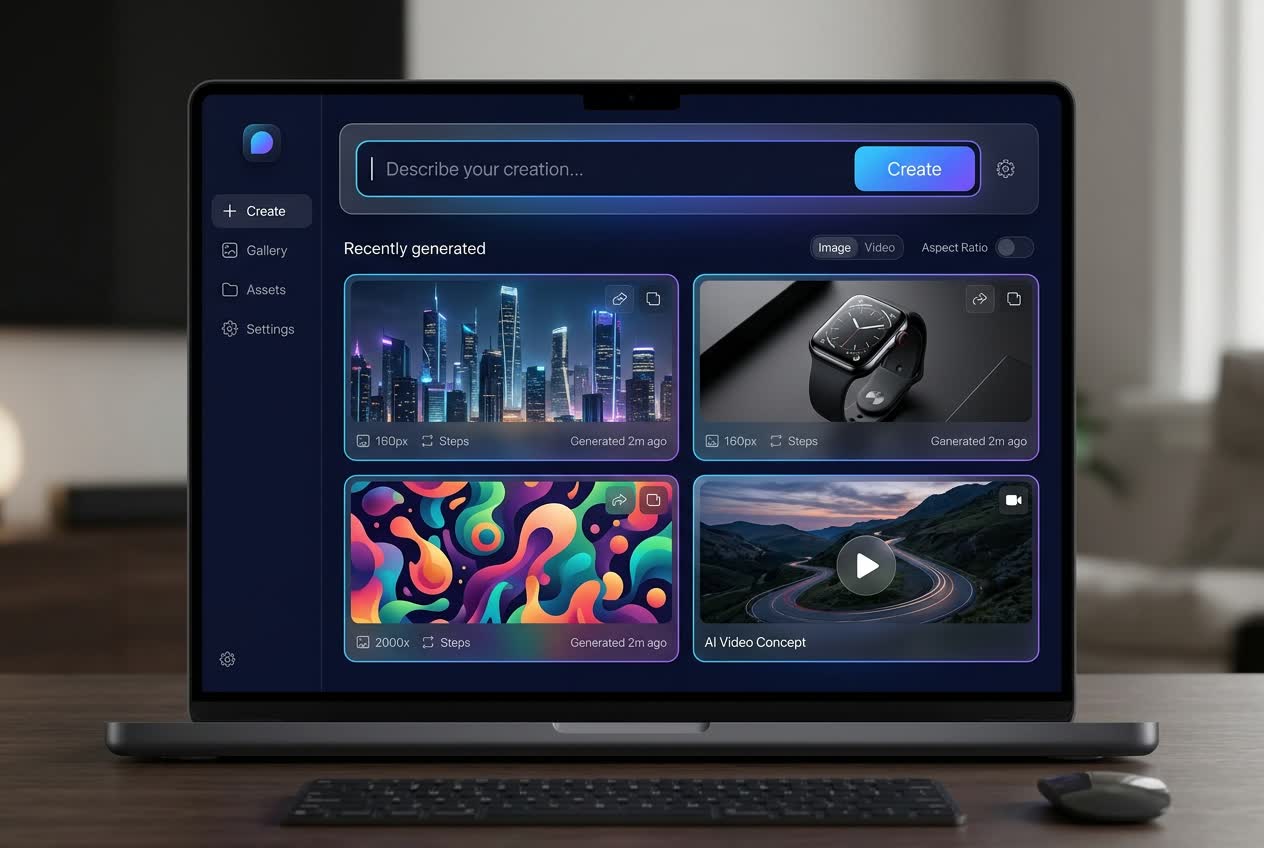
Describe what you want and Panzoe creates it: text to image in seconds, short text-to-video clips, illustrated stories and natural voice-overs. Your results are saved, searchable and ready to drop into a document, a social post or a research report — because the creator is part of the same platform as everything else you do.
Create your first image freeSee pricing
Explore free · No card to sign up · Upgrade when you're ready · Current prices in your selected currency on the pricing page
Related: AI Writing Assistant · AI Document Generator · AI Deep Research · Image & Video Creator in the catalogue · Best ways to use AI for writing, research and everyday life · Pricing
Great prompts, scattered results.
- One app for images, another for video, a third for voice — and nothing remembers your brand or your project.
- Generated images end up in downloads folders instead of the document or post they were made for.
- Prompting well is a skill; most tools leave you guessing why the result missed.
- Per-tool subscriptions add up fast for something you use a few times a week.
Text to image, text to video, stories and voice — one studio.
Every capability below is live in Panzoe's Image & Video Creator today.
- Text to image — Describe the scene, choose a quality level and get a finished image you can download, favourite or reuse. A prompt builder helps with subject, style, lighting and mood.
- Prompt enhancer — One click rewrites a rough idea into a detailed, well-structured prompt before you spend a credit.
- Text to video — Generate short video clips from a prompt with job progress you can leave and come back to — results are kept in your library.
- Story Studio — Turn a brief into an illustrated story or storyboard, page by page.
- Voice Studio — Convert text or a whole document into natural speech and download the audio.
- Connected to your AI Brain — Results flow into Panzoe Writing, Document AI and Ask Panzoe — make an image brief from research, or a social post from an image.
- Creative credits, clearly shown — See exactly what each generation costs before you run it; top up only when you need more.
- Your work stays yours — Generations are private to your workspace with a report option for unsafe content.
Who uses the AI image and video creator.
- Marketers & social teams — Campaign visuals, post images and short clips from one brief — then draft the caption in Panzoe Writing.
- Founders & small businesses — Product mock-ups, launch graphics and explainer clips without a design retainer.
- Content creators — Thumbnails, illustrations and story pages that match a consistent style.
- Teachers & parents — Illustrated stories and visuals for lessons and bedtime — with voice-over.
A creator that knows what the image is for.
- Part of the workflow — Create from research, documents or chat and send results straight back — no re-uploading.
- Images, video, story and voice — Four creative modes in one place instead of four subscriptions.
- Honest costs — Credits are visible before every generation; the free tier lets you explore first.
- One AI Brain — The same shared context powers Ask Panzoe, Deep Research and Document AI.
Questions, answered.
- Is Panzoe a text-to-image and text-to-video AI? Yes. The Image & Video Creator generates images from text prompts and short video clips from text. Illustrated stories and text-to-speech voice-overs are included in the same studio.
- Can I use the images commercially? Images you generate are yours to download and use for your own projects and business, subject to our Terms of Service and the content-safety rules shown in the studio.
- How much does AI image generation cost? Exploring Panzoe is free with no card. Image and video generation use creative credits; the exact cost of each generation is shown before you confirm, and plans and top-ups are listed on the pricing page.
- Can I turn an image into a video? Video generation starts from a text prompt today. You can describe the scene an image shows — or reuse its prompt — to create a matching clip; results are kept together in your creative library.
- Where do my generated images go? Into your Panzoe library, where they are searchable and can be favourited, downloaded or handed to Writing and Document AI.