Make AI writing sound like a person wrote it.
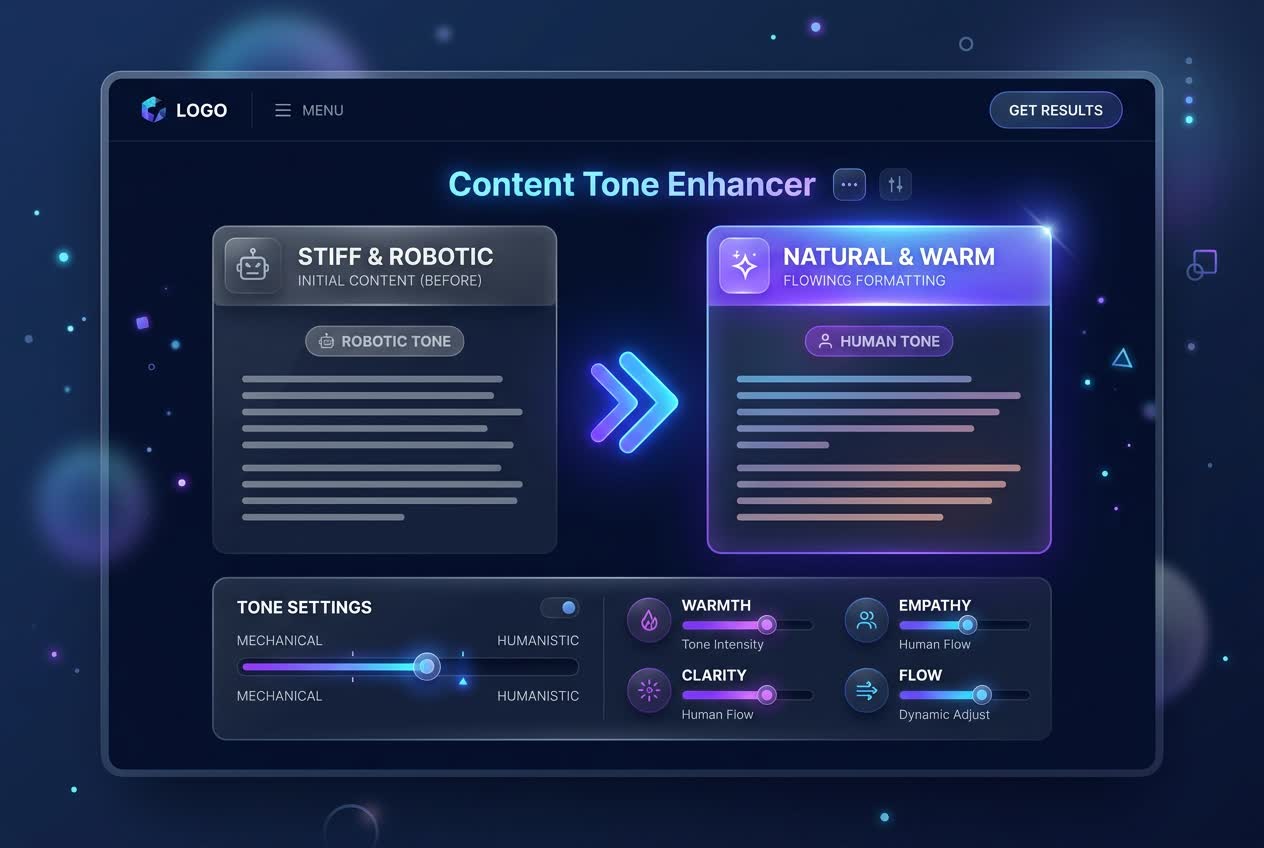
AI drafts are fast but often stiff: repetitive openers, hedging, the same five transition words. Panzoe's Rewrite Studio turns that text into something natural and readable — casual, plain-language, formal or any instruction you give — while preserving facts and meaning. Every version is kept, so you can compare and pick.
Humanize your text freeSee pricing
Explore free · No card to sign up · Upgrade when you're ready · Current prices in your selected currency on the pricing page
Related: Open the Humanizer tool (sign in) · AI Writing Assistant · AI Document Generator · AI Deep Research · Panzoe Writing in the catalogue · Best ways to use AI for writing, research and everyday life · Pricing
You can tell it was written by a machine.
- Every paragraph opens with “In today's fast-paced world” and ends with a summary of itself.
- Hedges everywhere — “it's important to note”, “may potentially” — and no point of view.
- The tone is wrong for the reader: too formal for a friend, too breezy for a client.
- Fixing it by hand takes longer than writing it would have.
Natural tone, preserved meaning, your choice of voice.
These are real Panzoe Writing features — nothing here promises to fool detectors.
- Side-by-side rewrites — Generate casual, plain-language, shorter or formal versions at once and compare them against the original.
- Improve clarity & flow — One action removes repetition and filler, varies sentence rhythm and tightens the point.
- Your own instruction — Type what “human” means for this piece — “friendlier, first person, keep the figures” — and apply it.
- Meaning preserved — Rewrites are instructed to keep facts, names and numbers; you review the result before using it.
- Every version kept — Compare the original and each rewrite; restore any of them.
- Audience-aware — Choose a register for a client email, a LinkedIn post or a 12-year-old reader.
- Sounds like you — Your AI Brain stores how you like to write, so rewrites move towards your voice.
- Finish the job — Export, read aloud with Voice Studio or create a Word/PDF in Document AI.
Where humanized text matters.
- Customer & client emails — Warm, specific and short — not a corporate template.
- Blog posts & newsletters — Keep the structure AI gave you; lose the robotic rhythm.
- Internal updates — Plain language that colleagues actually read.
- Cover letters & bios — First-person text that sounds like a real candidate.
A rewrite tool inside a real writing workspace.
- Honest by design — We improve readability and tone; we don't promise undetectable text.
- Choice, not a slot machine — Several named variants side by side, plus your own instruction.
- Context-aware — Rewrites can use what Panzoe knows about you and your audience.
- Part of the platform — Draft, research and export in the same place — one AI Brain, one plan.
Questions, answered.
- What does an AI text humanizer do? It rewrites AI-generated or stiff text to read naturally: varied sentences, fewer hedges and clichés, a tone suited to the reader — while keeping the original meaning.
- Will this make my text undetectable by AI detectors? No tool can guarantee that, and Panzoe doesn't claim to. Our goal is clearer, more natural writing that you review and own.
- Does it keep my facts and figures? Rewrites are instructed to preserve meaning, names and numbers, and you compare versions before using one. Always proofread important documents.
- Can I choose the tone? Yes — casual, plain-language, formal, shorter, persuasive, LinkedIn, X or email styles, or type your own instruction.
- Is it free? You can explore Panzoe free with no card; rewrites use your plan's AI actions once you upgrade.