Your apps, connected to one AI.
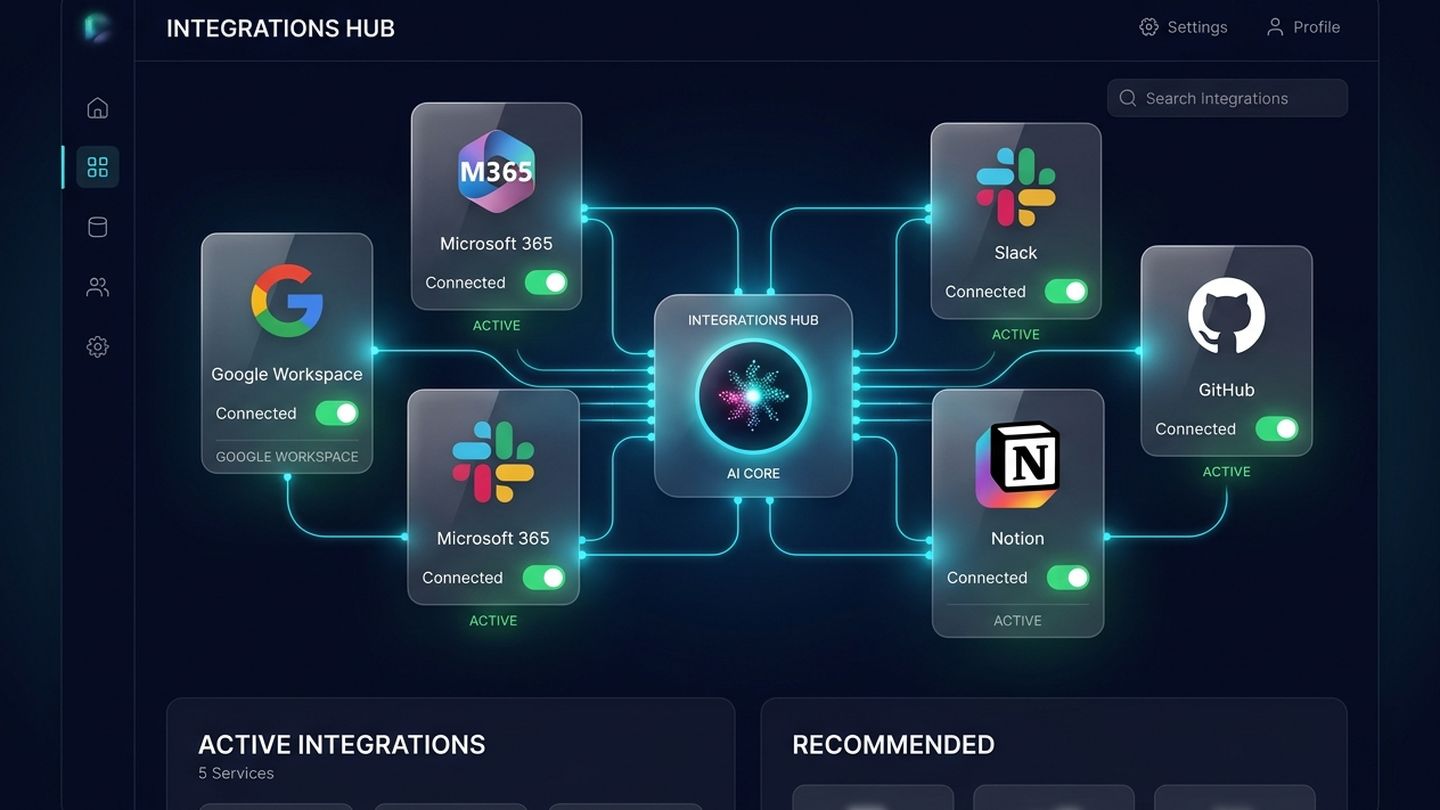
Panzoe plugs into the tools your day already runs on. Connect Google Workspace or Microsoft 365 for mail, calendar, files and contacts; add Notion, GitHub and Slack so pages, repositories and channels become context for your assistants and your Daily Briefing. Each connection is explicit, scoped and can be disconnected in one tap.
Explore free · No card to sign up · 7-day full AI trial · Current prices in your selected currency on the pricing page
Your information is everywhere except where the AI can use it.
Calendar in one app, email in another, notes in a third — the assistant sees none of them.
Copy-pasting context into chats, every single time.
Team updates buried in Slack and GitHub that never reach your plan for the day.
Integrations that quietly keep access long after you stop using them.
Real connections, explicit permissions.
Available integrations in Panzoe today.
Google Workspace
Gmail, Google Calendar, Drive, Contacts and Meet.
Microsoft 365
Outlook Mail & Calendar, OneDrive, Teams, To Do and Contacts.
Notion
Pages and databases become context for every assistant.
GitHub
Repositories, issues and pull requests in your briefings.
Slack
Channel summaries and sending results to Slack.
Business Connect
Connect company tools to your business workspace for Ask Panzoe Business.
Scoped & revocable
You approve each connection; disconnect any time in one tap.
Flows into your Brain
Connected information becomes context your assistants can use.
What connecting your apps unlocks.
Calendar, inbox and team updates summarised every morning.
Draft replies with the thread, your calendar and your contacts in view.
Ask questions across Drive and OneDrive documents.
GitHub and Slack activity in one plan for the day.
Integrations that serve you — not the other way round.
Explicit
Nothing connects without your approval.
Scoped
Only the access each feature needs.
Revocable
One tap to disconnect, any time.
Useful immediately
Connections feed the Briefing, Ask Panzoe and your Brain from day one.
Questions, answered.
Which apps can I connect to Panzoe?
Google Workspace (Gmail, Calendar, Drive, Contacts, Meet), Microsoft 365 (Outlook, OneDrive, Teams, To Do, Contacts), Notion, GitHub and Slack, plus Business Connect for company workspaces. The Features catalogue lists the current set.
Can I disconnect an app later?
Yes — every connection can be removed in one tap from Panzoe, and you can also revoke access from the provider's side.
Does Panzoe read all my email?
Panzoe uses the scopes you approve to summarise and draft; you can see what is stored in your Brain and delete it at any time.
Is there a cost?
Integrations are part of Panzoe; explore free, with more AI usage on paid plans. See the pricing page.
Connect your apps and let Panzoe do the joining-up.
Google, Microsoft, Slack, Notion and GitHub — explicit, scoped and revocable in one tap.