One memory. Every assistant smarter.
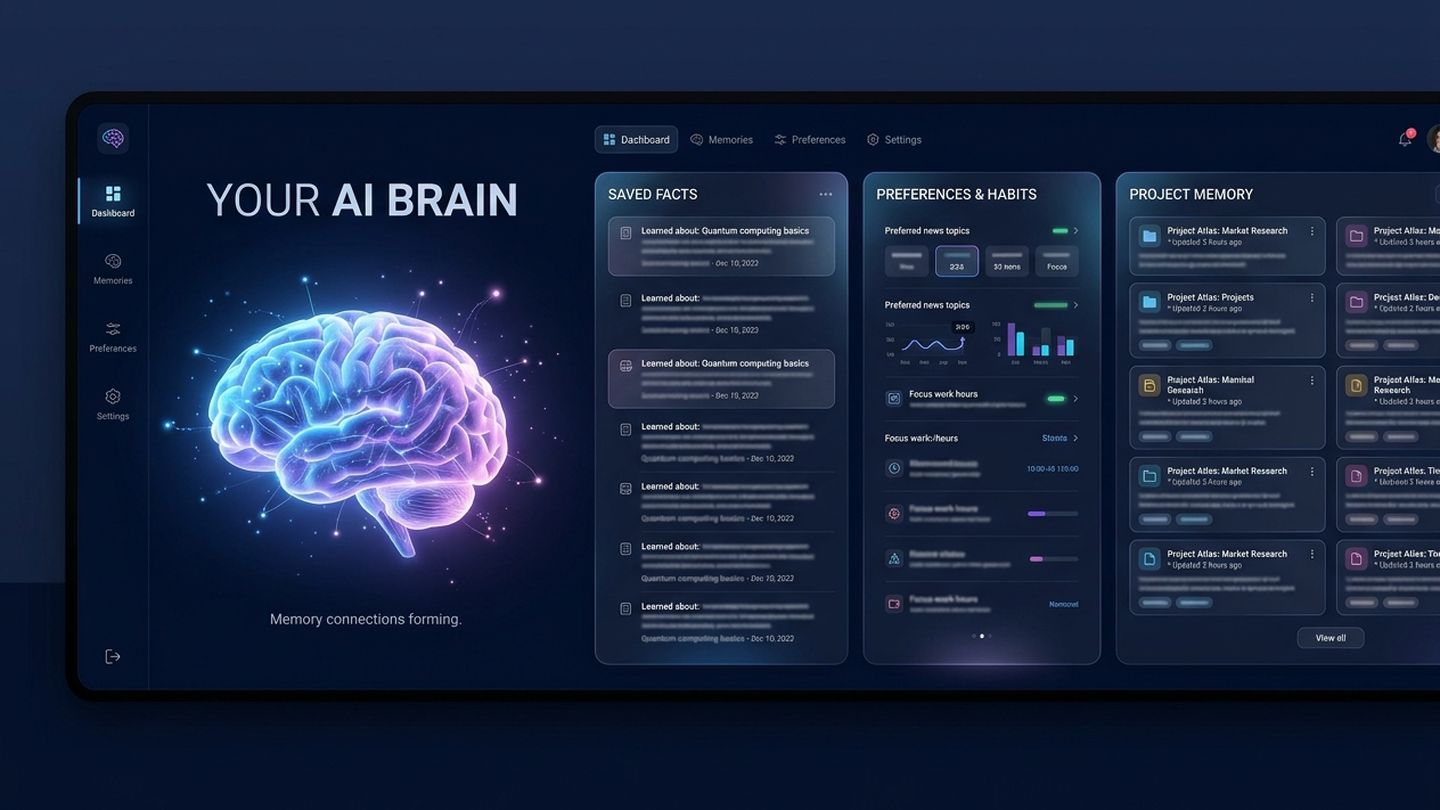
Most AI tools forget you the moment a chat ends. Panzoe Brain keeps the context that matters — who you are, how you like to work, what you're working on — and every Panzoe assistant draws on it: Ask Panzoe, Daily Briefing, Writing, Deep Research, Document AI and the business tools. You see exactly what's stored, edit it, and remove anything at any time.
Start free with Panzoe BrainSee pricing
Explore free · No card to sign up · Upgrade when you're ready · Current prices in your selected currency on the pricing page
Related: Ask Panzoe · AI Daily Briefing · AI Writing Assistant · AI Deep Research · Trust Centre · Why shared AI memory matters
You keep re-explaining yourself to your AI.
- Every new chat starts from zero — your role, your clients, your preferences, again.
- Notes live in one app, documents in another, and the assistant can't see either.
- Answers are generic because the AI has no idea what actually matters to you.
- You're not sure what the tool has remembered — or how to make it forget.
A memory you can see, shape and trust.
These are real Panzoe Brain features.
- Facts, preferences & projects — Save them once; every Panzoe assistant can use them for more relevant help.
- Files as context — Documents you add become knowledge your assistants can draw on.
- Insights — Panzoe surfaces patterns and suggestions from what it knows — you decide what to keep.
- Full review — See everything Panzoe knows about you in one place.
- Edit anything — Correct a fact, change a preference, rename a project.
- Delete anything — Remove a single item or clear it all — at any time.
- Shared across tools — Ask Panzoe, Daily Briefing, Writing, Research and Document AI all use the same Brain.
- Better every day — The more context you keep, the sharper the help — without repeating yourself.
How people use Panzoe Brain.
- Personal assistant that knows you — Your schedule habits, family details and preferences shape every suggestion.
- Writing in your voice — Tone and style notes make drafts sound like you from the first line.
- Business context — Clients, products and processes stay available to every business assistant.
- Research continuity — Past findings and sources are remembered for the next question.
Memory as a feature you control — not a black box.
- Transparent — Everything stored is visible and editable.
- Yours to delete — Remove any item, any time; nothing is hidden.
- One Brain, many assistants — No copying context between tools.
- Part of the platform — Included in Panzoe — one plan, one memory.
Questions, answered.
- What is Panzoe Brain? The shared memory behind every Panzoe assistant. You save facts, preferences, projects and files once, and every tool uses that context to give more relevant help.
- Can I see what Panzoe remembers? Yes. Panzoe Brain shows everything stored — facts, insights and files — and you can edit or delete any of it at any time.
- Is my data used to train AI models? No. Your Brain is private context for your own assistants. See the Trust Centre for details on how data is handled.
- Do I need a paid plan? You can explore free. Paid plans add more AI usage; current prices are on the pricing page.